
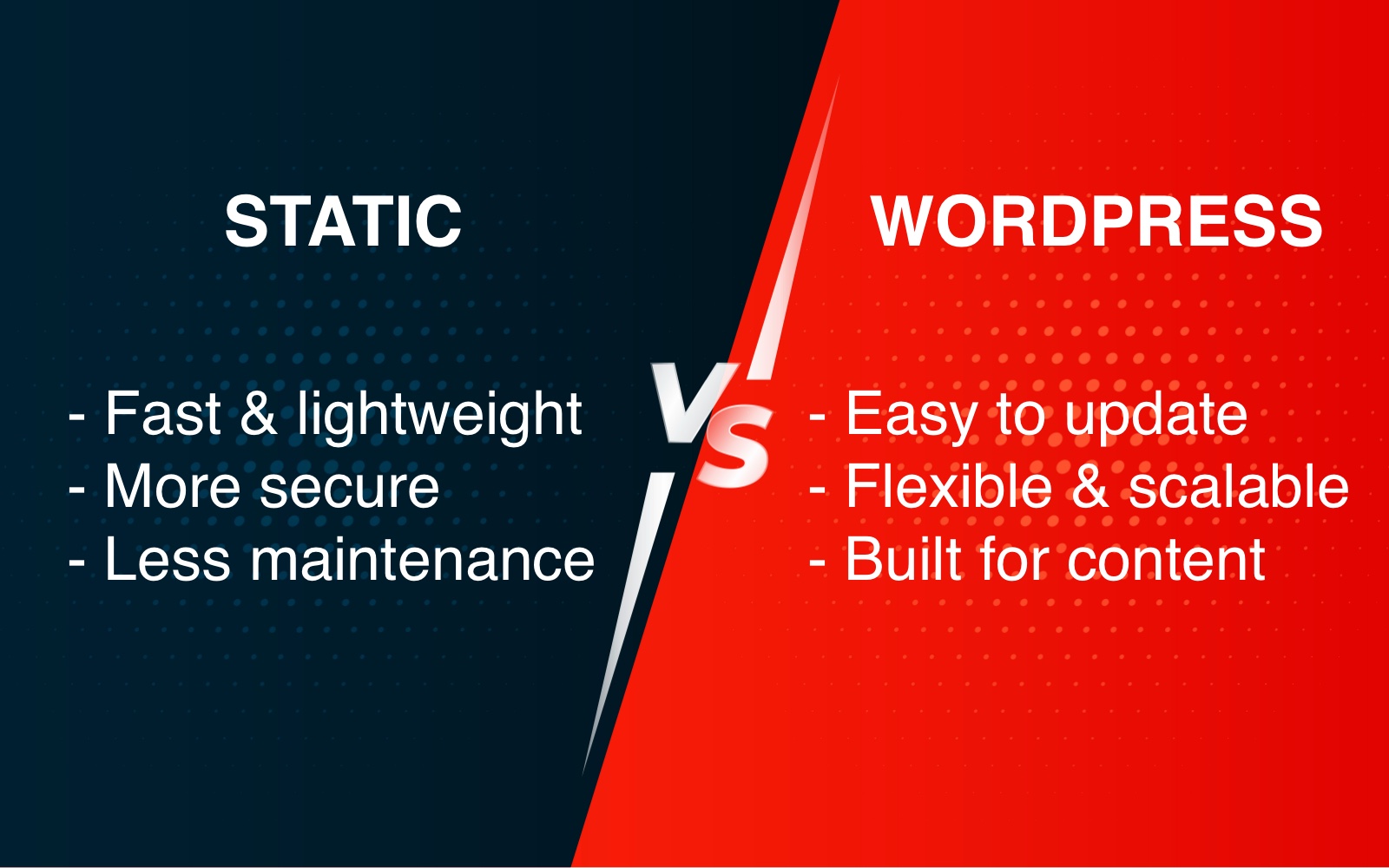
Is your business ready for a new website? A while back, at a conference, someone asked us what the benefit of using WordPress was over a static HTML site. We still get that question, but the answer has changed a lot since we first wrote about it. "Static" used to mean hand-coded HTML files that only a developer could touch. That is no longer what it means, and the comparison has moved with it.
In this article we will compare both approaches and help you work out which one fits your business.
What is the difference between a static website and WordPress?
A static website is delivered to the visitor exactly as it is stored on the server. Nothing is assembled when someone visits. WordPress and similar content management systems build the page on request, pulling your content out of a database and dropping it into a template.
Static vs. dynamic sites
Static site: the pages are already built and sitting on the server as finished files. Someone visits, the server hands over the file. Done.
WordPress: nothing exists as a finished page. When someone visits, the server wakes up, runs PHP, queries a database for your post content, stuffs it into a theme template, and hands over the result. Every visit, every time.
Think of it this way: static is a fridge full of pre-made meals you just grab. WordPress is a kitchen that cooks the dish fresh each time someone orders, even if it's the same dish a thousand times in a row.
That's why static is faster and harder to break, and why WordPress needs caching plugins. Caching is basically "save the cooked meal so we don't cook it again."
That single difference is what drives everything else: cost, speed, security, and how easily you can update your own site.
Quick comparison
| WordPress | Static site | |
|---|---|---|
| Editing your own content | Easy, built in | Needs a git-based CMS, or someone comfortable with the files |
| Hosting cost | Needs PHP and a database | Often free, or a few dollars a month |
| Speed | Good with caching | Excellent by default |
| Security maintenance | Ongoing, core and plugins | Almost none |
| Adding features | Plugins, no code required | Usually needs development |
| Best for | Sites that change often, stores, membership | Marketing sites, brochure sites, documentation |
WordPress (Content Management Systems)
WordPress is an open source content management system used to build websites, blogs, and online stores. A CMS lets you manage your website from a user-friendly interface. You make changes from an administration area that is straightforward enough for a complete beginner.
You may still need a web developer for the initial setup: hosting, the database, installing and configuring a theme. Once that is done, WordPress is comfortable to run day to day.
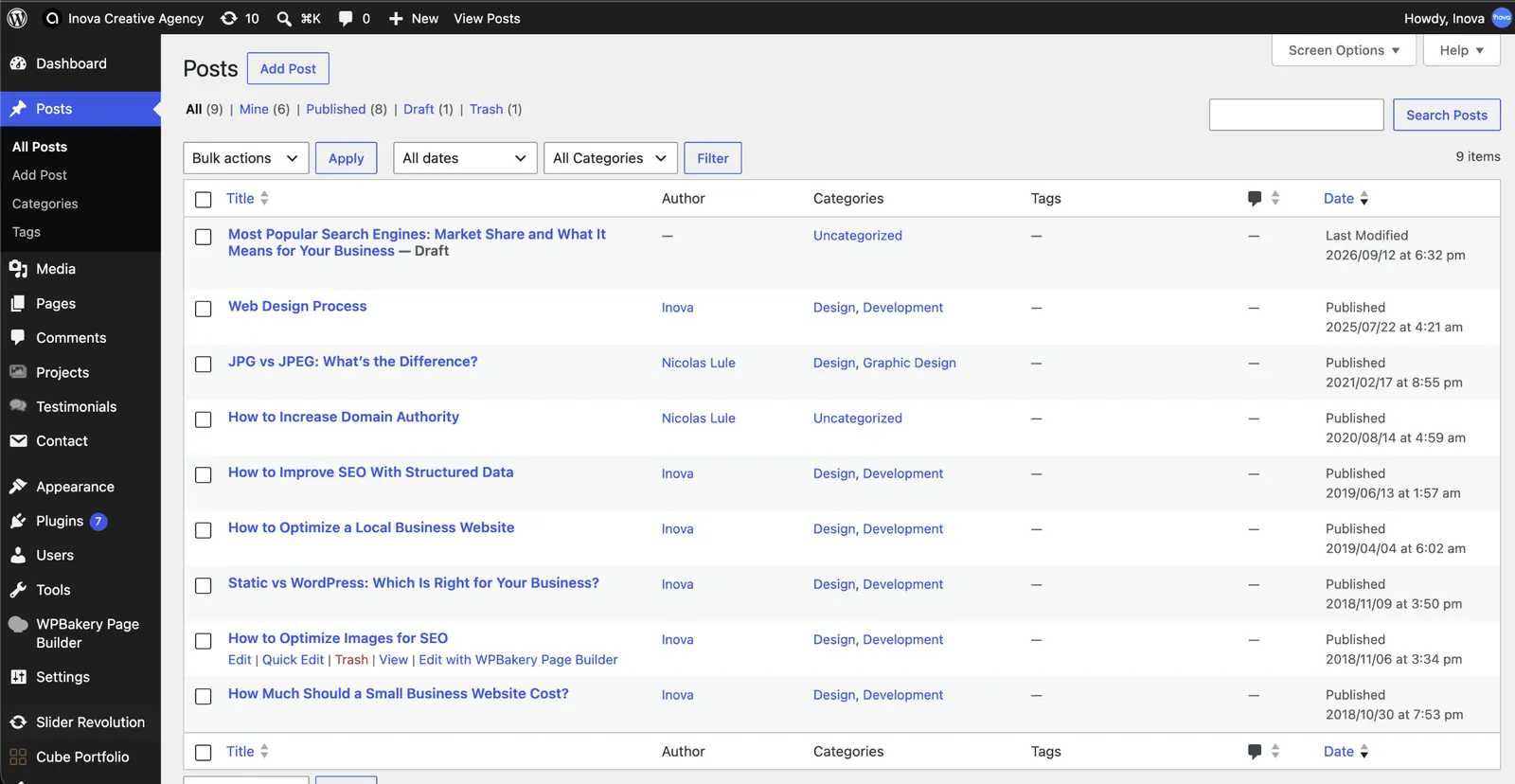
There are many content management systems, but WordPress is the most widely used by a wide margin. It now powers roughly 43% of all websites on the internet, up from about 32% when we first wrote this article.
It is worth not confusing WordPress.org with WordPress.com. They are two different things. The open source software lives at WordPress.org. WordPress.com is a hosting service built on top of it.
The interface makes it easy to add a page, write a blog post, add a contact form, or manage products without touching code. Thousands of ready-made themes are available, and plugins let you add galleries, forms, booking systems, and almost anything else.
What WordPress actually costs you
The part people underestimate is maintenance. WordPress core, your theme, and every plugin need regular updates. Skip them and you have a security problem, because outdated plugins are the most common way WordPress sites get compromised. Budget for either your own time or a maintenance plan.
Static websites have changed completely
This is where most of the old advice is now wrong. A static site no longer means someone hand-writing HTML files, and it has not for years.
Static site generators
Tools like Astro, Hugo, Eleventy, and Next.js let a developer build a site from templates and content files, then compile the whole thing into plain HTML ahead of time. You get the maintainability of templates with the speed and safety of static files.
Deployment is now automatic
Platforms like Netlify, Vercel, and Cloudflare Pages changed the economics. You connect the site to a repository, and every time a change is saved the platform rebuilds and publishes it automatically. No file transfers, no server to configure.
You also get things that used to require a server: contact forms, redirects, and preview links for every change before it goes live. Most of these platforms have a free tier that comfortably covers a business brochure site, and a global CDN comes as standard rather than as a plugin.
This removes the objection people used to raise, that a static site cannot have a working contact form.
Editors get an admin screen too
Git-based content management systems such as Decap CMS and TinaCMS put a familiar editing interface on top of a static site. Your team logs in, edits a page, hits publish, and the site rebuilds itself. The editor never sees a file or a line of code.
It is not identical to WordPress. There are fewer plugins and less flexibility. But the old assumption that a static site means calling a developer to fix a typo is simply out of date.
AI coding assistants moved the line again
The other change is who can maintain the files. AI coding assistants have made small edits genuinely approachable for people who are not full-time developers. Changing copy, adding a section, or adjusting a layout no longer requires memorising syntax.
This matters more for static sites than for WordPress, because static sites are the ones where editing meant touching code in the first place. It does not turn a business owner into a developer, and it will not rescue you from a serious problem. But it lowers the bar for routine changes considerably, and that used to be the main argument against going static.
Why static sites are fast
There is no database query and no page assembly. The server hands over a file. That matters more than it used to, because Google now measures real-world loading performance through Core Web Vitals and uses it as a ranking signal. A static site starts that race with a head start.
Why static sites are hard to attack
There is no database to inject, no login page to brute force, and no plugins to exploit. The attack surface is close to zero. For a brochure site that holds no customer data, that is a real advantage, and it never needs patching.
Where static still falls short
Anything that depends on users doing things at the moment they visit. Online stores with live inventory, membership areas, booking systems with real-time availability, and large sites with complex search are all better served by WordPress or a dedicated platform. You can bolt some of this onto a static site with third-party services, but you are assembling something that WordPress gives you out of the box.
What about headless WordPress?
There is a middle path. You can keep WordPress purely as the editing interface and have a static site generator pull the content out and publish static pages. Editors get the familiar admin screen, visitors get a static site.
It is a good fit for content-heavy sites with technical help behind them. For a small business site it is usually more machinery than the job needs.
Which one is right for your business?
Choose WordPress if you run a store, need memberships or bookings, publish constantly with several people involved, or want to add features later without hiring anyone.
Choose a static site if your site is mainly there to explain what you do and generate enquiries, you care about speed and security, and you are happy either using a git-based CMS or making occasional edits yourself.
Choose headless if you publish heavily, need the performance, and have technical help available.
Bottom Line
The old rule was simple: static if you will never change it, WordPress for everything else. That rule no longer holds. Static sites now have automatic deployment, working forms, editing interfaces, and tooling that makes small changes approachable. For a marketing site, static is often the better choice on speed, cost, and security.
WordPress still wins decisively the moment you need a store, memberships, bookings, or the ability to add features yourself without a developer.
The honest answer is that this is not really a technical decision. It is a question of what your site has to do, and who will be looking after it next year. Answer those two and the right choice is usually obvious.
If you are not sure which fits your situation, tell us what you are trying to build and we will give you a straight recommendation.